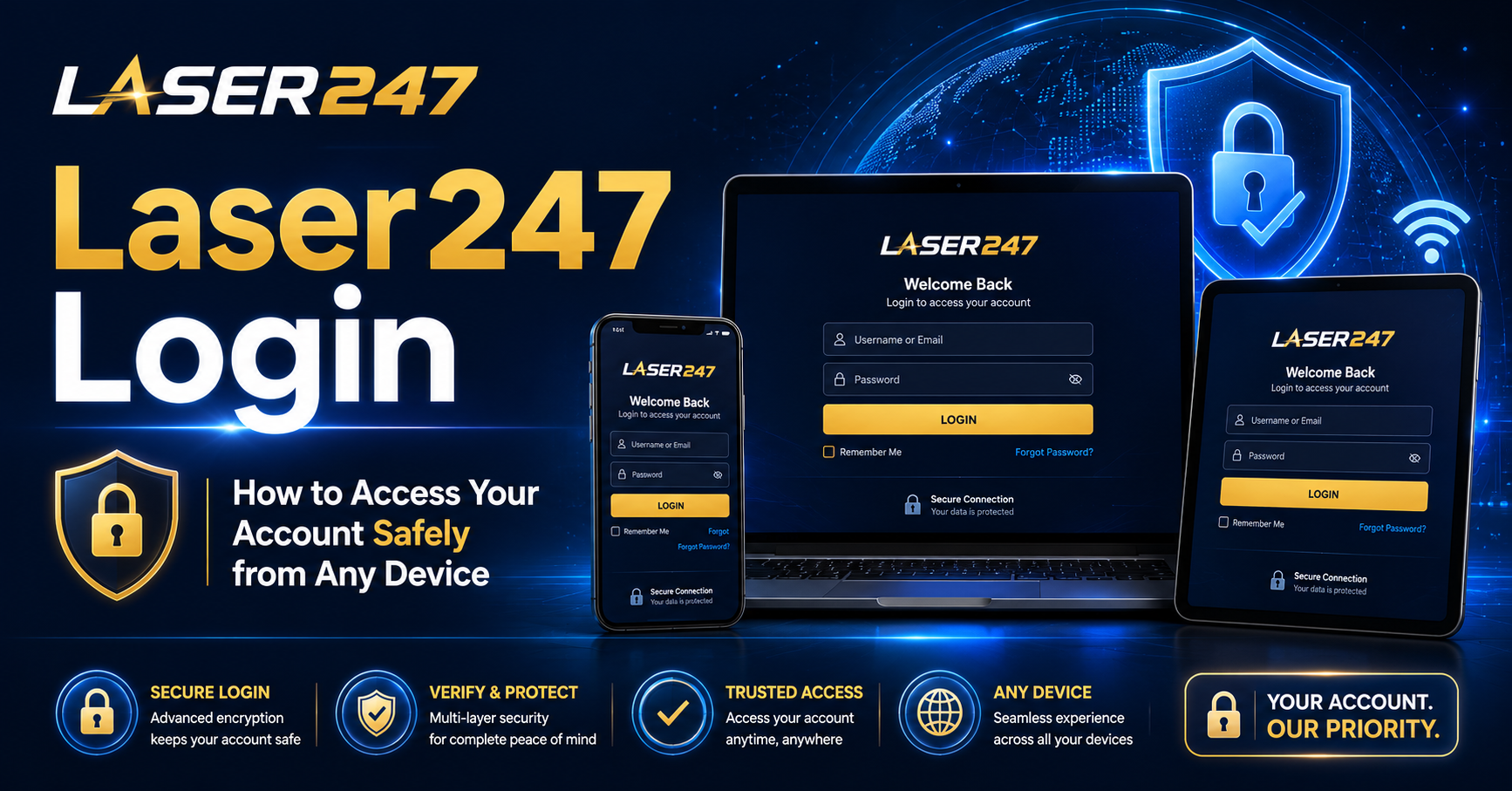
Laser247 Login: How to Access Your Account Safely from Any Device
Your Laser247 account is your gateway to cricket betting, live casino games, and real-money gaming excitement. But what good is a powerful platform if you cannot access it quickly, securely, and from whichever device suits you best? Whether you are placing a last-minute IPL bet from your phone during a lunch break or joining a live roulette table from your desktop at home, the login experience matters.
This complete guide walks you through every method to access your Laser247 account safely — website, mobile app, and desktop — while ensuring your account stays protected at every step. Follow these instructions to log in confidently from any device, anywhere in India.
Why Safe Login Matters
Before diving into the steps, it is important to understand why login security deserves your attention. Your Laser247 account contains your personal information, wallet balance, betting history, and bonus credits. A compromised account could mean unauthorized bets, stolen funds, or misuse of your personal data.
Common threats include phishing websites that copy the look of the real platform, weak passwords that are easy to guess, and shared devices that store your login credentials. By following safe login practices, you protect your money, your data, and your overall gaming experience.
What is Laser247?
Laser247 is a popular online betting and casino platform designed for Indian players. It combines a comprehensive cricket sportsbook with a full live casino lobby, offering everything from match-winner bets and session markets to roulette, blackjack, Teen Patti, and hundreds of slot games. The platform supports fast UPI deposits, quick withdrawals, and 24/7 customer support — making it a go-to choice for bettors across India.
Every registered user receives a unique Laser247 ID that works across all devices. Your balance, bets, and bonuses stay synchronized whether you log in from a phone, tablet, or computer.
Methods to Access Your Laser247 Account
Laser 247 provides multiple login methods to accommodate different preferences and devices. Here is a detailed look at each option.
Method 1: Laser247 Login via Website (Desktop)
The website login is the most straightforward method for desktop and laptop users.
Step-by-step guide:
- Open your browser and visit the official Laser247 website.
- Click the “Login” button at the top of the homepage.
- Enter your Laser247 ID or registered mobile number.
- Type your password in the designated field.
- If available, choose the OTP login option for added security.
- Enter the one-time password sent to your registered mobile number.
- Click “Login” and you are inside your account.
Desktop login tips:
- Bookmark the official website URL so you never accidentally visit a fake or phishing site.
- Avoid logging in from public computers at cyber cafes or libraries.
- If you must use a shared computer, always log out completely and clear the browser cache afterward.
- Prefer OTP-based login for maximum security on desktop devices.
Method 2: Laser247 Login via Mobile Browser
For users who prefer not to download an app, the mobile browser provides full access to the platform.
Step-by-step guide:
- Open Chrome, Safari, or your preferred mobile browser.
- Visit the official Laser247 website.
- Tap the “Login” button on the homepage.
- Enter your Laser247 ID or registered mobile number.
- Enter your password or request an OTP.
- Complete the verification and tap “Login.”
Mobile browser tips:
- The mobile site is optimized for smartphones, so the experience mirrors the app closely.
- Save the website to your home screen for one-tap access in the future.
- Ensure your browser is updated to the latest version for security and performance.
- Avoid saving login credentials in the browser on shared or family devices.
Method 3: Laser247 Login via Mobile App
The dedicated Laser247 app delivers the fastest and smoothest mobile experience, with quicker odds updates, push notifications, and instant access to both the sportsbook and casino.
Step-by-step guide for Android:
- Visit the official Laser247 website on your Android browser.
- Download the APK file from the download link provided.
- Enable “Install from Unknown Sources” in your phone’s security settings if prompted.
- Open the downloaded APK file and install the app.
- Launch the app and tap “Login.”
- Enter your Laser247 ID and password.
- Use OTP login if available for extra security.
- You are now logged in and ready to bet or play.
Step-by-step guide for iOS (iPhone):
- Open Safari and visit the official Laser247 website.
- Tap the “Share” icon at the bottom of the screen.
- Select “Add to Home Screen.”
- A Laser247 icon will appear on your home screen like a regular app.
- Open it, tap “Login,” and enter your credentials.
App tips:
- The Android app is lightweight and does not consume much storage.
- Enable push notifications to receive alerts about bonuses, match starts, and account activity.
- Always download the APK from the official website — never from third-party sources.
- Keep the app updated for the latest security patches and performance improvements.
Method 4: Laser247 Login via WhatsApp
For players who prefer a human touch, Laser247 offers account access and support through WhatsApp.
How it works:
- Save the official Laser247 WhatsApp number from the website.
- Open WhatsApp and start a chat with the saved number.
- Send a message like “I need help logging in” or “I want to access my account.”
- Follow the instructions provided by the support agent.
- Verify your identity through your registered mobile number.
- Receive guidance to regain access to your account.
The WhatsApp method is particularly useful for account recovery situations where you have forgotten your password or are facing technical difficulties with the standard login process.
Security Features That Protect Your Login
Laser247 employs several security measures to keep your account safe during every login attempt.
SSL Encryption
Every connection between your device and Laser247 is encrypted using SSL (Secure Socket Layer) technology. This means your login credentials, personal data, and financial transactions are scrambled during transmission, making them unreadable to hackers or third parties.
OTP Verification
One-time password verification adds a second layer of security beyond your password. Even if someone obtains your password, they cannot complete the login without the OTP sent to your registered mobile number.
Verified Mobile Number
Every Laser247 ID is linked to a verified mobile number. This prevents duplicate accounts, stops fake registrations, and ensures that account recovery is always possible through your phone.
Secure Payment Channels
All deposits and withdrawals are processed through trusted, regulated payment gateways. Your banking credentials are never stored on the Laser247 servers, keeping your financial information safe.
Best Practices for Safe Login
Following these habits keeps your Laser247 account secure regardless of which device you use.
Create a Strong Password Use a combination of uppercase letters, lowercase letters, numbers, and special characters. Avoid using easily guessable information like your name, birthdate, or simple sequences like “123456.”
Use a Unique Password Do not reuse the same password you use for other websites or apps. If another platform gets compromised, your Laser247 account remains unaffected.
Enable OTP Login Whenever possible, use OTP-based login instead of password-only access. This simple step dramatically reduces the risk of unauthorized access.
Never Share Your Credentials Your Laser247 ID and password are for your use only. Never share them with friends, family, or anyone claiming to be from support through unofficial channels.
Log Out on Shared Devices Always log out completely after using your account on a shared or public device. Never save credentials on computers or phones that others can access.
Verify the Website URL Before entering your login details, confirm you are on the official Laser247 website. Check for the padlock icon in the browser address bar and ensure the URL matches the official domain exactly.
Keep Your Phone Secure Since your Laser247 ID is linked to your mobile number, the security of your phone directly impacts your account. Use a screen lock, avoid sharing your phone with strangers, and be cautious about installing apps from unknown sources.
Troubleshooting Common Login Issues
Forgot Password
If you cannot remember your password, use the “Forgot Password” option on the login page. Enter your registered mobile number, receive an OTP, and reset your password. Your account balance and history remain intact.
OTP Not Received
Wait one to two minutes, as OTPs can be delayed by network congestion. Ensure your phone has signal and the registered number is correct. Request the OTP again, and if it still does not arrive, contact Laser247 support.
Account Locked
Too many failed login attempts may temporarily lock your account. Wait a few minutes and try again, or contact support to unlock your account after identity verification.
App Not Working
If the app crashes or fails to load, try clearing the app cache, restarting your phone, or reinstalling the latest version from the official website.
Mobile vs Desktop: Which is Better?
Both options deliver full access to Laser247, but each has advantages.
| Feature | Mobile | Desktop |
|---|---|---|
| Portability | ✅ Bet anywhere | ❌ Fixed location |
| Screen Size | ❌ Smaller display | ✅ Larger, easier navigation |
| App Speed | ✅ Faster with app | ✅ Fast on modern browsers |
| Push Notifications | ✅ Available | ❌ Not available |
| Multi-Tab Browsing | ❌ Limited | ✅ Easy comparison |
| Touch Interface | ✅ Intuitive | ❌ Requires mouse |
The best approach is to use both — mobile for on-the-go betting and desktop for longer sessions where a larger screen helps you analyze markets more effectively.
The Bottom Line
Accessing your Laser247 account safely from any device is straightforward when you follow the right steps. Whether you prefer the website, mobile browser, dedicated app, or WhatsApp support, every method is designed for speed, convenience, and security.
Protect your account by using strong, unique passwords, enabling OTP login, verifying the official website URL, and logging out on shared devices. These simple habits, combined with Laser247’s built-in security features, ensure your account stays safe no matter where or how you log in.
Your Laser247 ID is your all-access pass to cricket betting, live casino games, and endless entertainment. Log in confidently, play responsibly, and enjoy everything the platform has to offer — safely and securely from any device.