


Rated
★ 4.8 / 5.0
The Laser247 App — Everything You Love About the Platform, in Your Pocket
The Laser247 mobile app is the most downloaded online cricket betting app in India — and for good reason. Built from the ground up for Indian smartphones, Indian networks, and Indian players, it delivers a seamless experience that the mobile website simply cannot match. From the moment you tap the app icon to the moment your bet is confirmed, everything is faster, smoother, and more intuitive than any desktop experience.
Available completely free for both Android and iOS devices, the app is under 25MB in size and launches in under 2 seconds even on 3G mobile data. It has been designed to work across a wide range of devices — from the latest flagship smartphones down to budget Android handsets that are 3-4 years old. If your phone can run WhatsApp, it can run the Laser247 app with no issues.
Inside the app you have full access to the same live cricket markets, casino games, sports betting, deposits, withdrawals, and account management as the website — plus several app-exclusive features including push notifications, biometric login, and app-only bonus offers that are not available anywhere else. Over 10 million Indian players have already downloaded and rated the app 4.8 out of 5 stars.
What Makes the Laser247 App the Best in India
Every feature of the Laser247 app has been designed around one goal — giving Indian cricket bettors the fastest, most reliable mobile betting experience available.

🏏
Live Cricket Betting
Full access to all 3,000+ cricket markets including IPL, T20 World Cup, and Test cricket. Ball-by-ball odds updates, live scorecard inside the app, and in-play betting that reacts to every delivery. The best IPL betting experience available on mobile in India.

🔔
Push Notifications
Never miss a live betting opportunity again. The app sends real-time push notifications for match starts, odds movements on your watched markets, bet settlement confirmations, deposit and withdrawal confirmations, and exclusive app-only bonus alerts.

👆
Biometric Login
Login instantly with your fingerprint or Face ID — no typing your Laser247 ID and password every time. Biometric authentication is the fastest and most secure way to access your account. Supported on all modern Android and iOS devices with fingerprint or face unlock.

🎰
Full Casino Access
Every casino game available on the website is also in the app — 500+ live dealer games including Teen Patti, Andar Bahar, Roulette, Blackjack, and slots. HD video streams, smooth card dealing animations, and real-time chip placing all optimised for small screens.
💳
One-Tap UPI Payments
Deposit via UPI in one tap — the app remembers your preferred UPI app and amount. Withdrawals are equally simple: enter amount, confirm, done. Funds typically arrive in your bank account within 5 minutes of requesting a withdrawal, 24 hours a day.

⚡
Ultra-Fast on Indian Networks
The Laser247 app is engineered for Indian mobile network conditions. It loads fully in under 2 seconds on 4G and under 4 seconds on 3G. Lightweight at under 25MB total size, it does not drain battery or data — ideal for betting during long cricket matches.
How to Download & Install Laser247 on Android
The Laser247 Android app is available as a direct APK download — it is not listed on the Google Play Store, so you need to follow these steps to install it. The process takes under 2 minutes and is completely safe. Over 8 million Android users in India have completed this process successfully.
Enable "Install from Unknown Sources"
Go to your Android phone's Settings → Security (or Privacy on newer devices) → Enable "Install Unknown Apps" or "Unknown Sources". On Android 8 and above, you will enable this for your browser specifically (Chrome or your default browser) rather than system-wide. This is a one-time step that takes under 30 seconds and is completely reversible after installation.
Download the Laser247 APK File
Open your phone's browser and tap the Android download button below (or on this page). The APK file is under 25MB — it downloads in under 30 seconds on a standard 4G connection. The file is called Laser247.apk. Do not download from any other source — only use the official link on this page to ensure you are getting the genuine, malware-free Laser247 app.
Open the Downloaded APK and Install
Once the download finishes, tap "Open" in the notification bar, or go to your Downloads folder and tap the Laser247.apk file. Android will show an installation screen. Tap Install. The installation completes in under 10 seconds. You will see the Laser247 app icon appear on your home screen immediately after installation.
Open App, Login, and Start Betting
Tap the Laser247 app icon on your home screen. Login with your Laser247 ID and password (the same credentials you use on the website). Enable biometric login if prompted for faster access in future. Your account, balance, and all previous bet history is automatically synchronised from the website — everything carries over seamlessly.
🤖 Download Android APK⚠️ Android Security Note
After installing the Laser247 app, you can re-disable "Install Unknown Sources" in your settings for added security. This does not affect the installed app at all — once installed, the app runs normally regardless of this setting.
How to Download & Install Laser247 on iPhone (iOS)
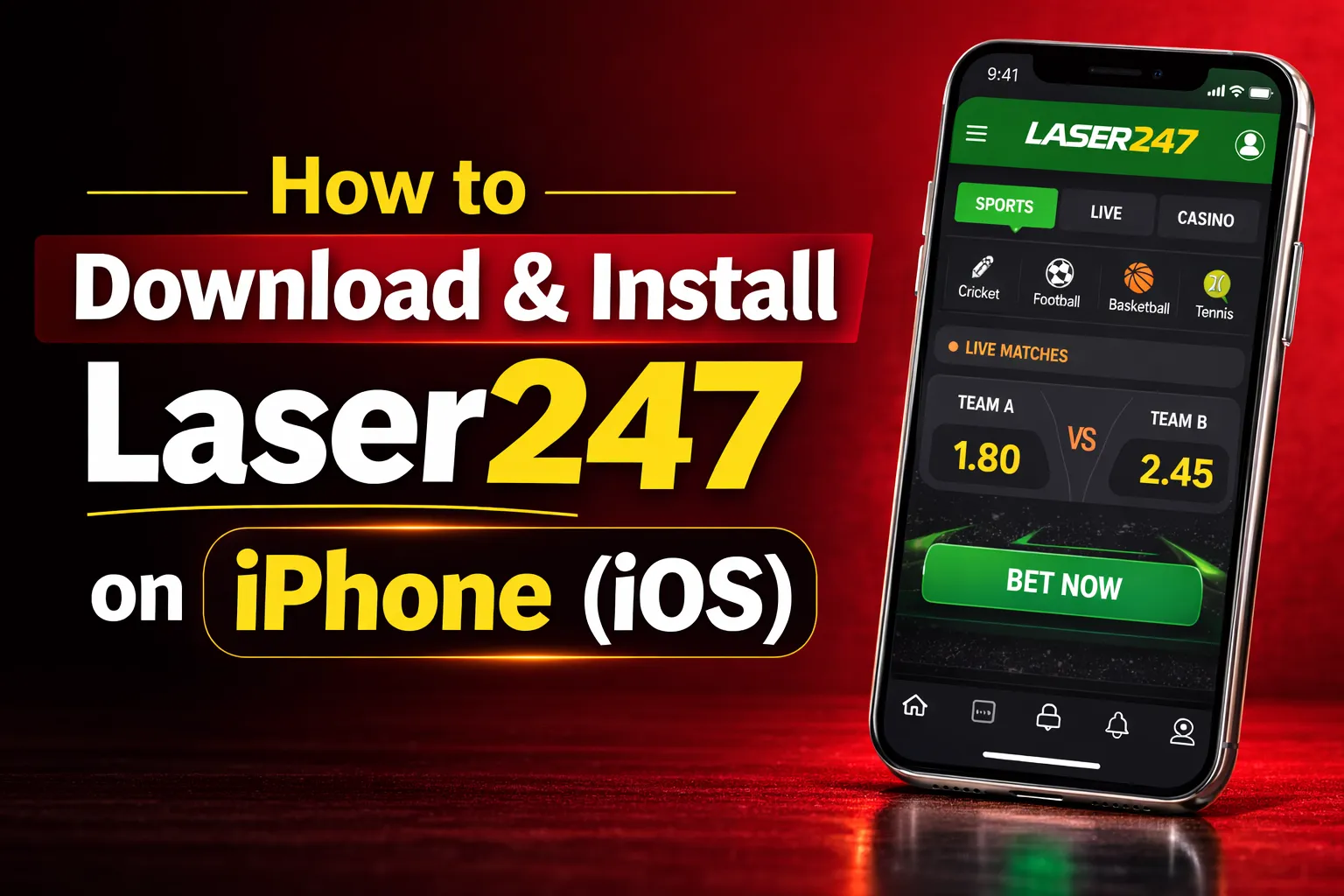
Installing the Laser247 app on an iPhone is a slightly different process from Android because iOS does not allow direct APK installs. Instead, you install the Laser247 app as a Progressive Web App (PWA) — which behaves exactly like a native app on your iPhone's home screen, with full access to all features, push notifications, and offline functionality.
Open Safari and Visit the App Page
On your iPhone, open Safari (not Chrome — it must be Safari for this to work on iOS). Visit laser247.com.in/laser247-app. The page will automatically detect that you are on an iPhone and display iOS-specific installation instructions.
Tap the Share Icon at the Bottom
At the bottom of Safari, tap the Share icon (the square with an upward arrow). A menu slides up from the bottom of your screen with various sharing and action options.
Select "Add to Home Screen"
Scroll down in the share menu and tap "Add to Home Screen". A dialog will appear showing the Laser247 app name and icon. Confirm by tapping "Add" in the top right corner of the dialog. The Laser247 icon will appear on your iPhone home screen immediately.
Open From Home Screen and Login
Tap the Laser247 icon on your home screen — it opens in full-screen mode just like a native app, without Safari's browser bars. Login with your Laser247 ID. Your account, balance and bet history synchronise automatically from your existing account.
🍎 Install on iPhoneLaser247 App vs Mobile Browser — Which is Better?
Both the Laser247 app and the mobile website work well — but the app delivers a noticeably superior experience across several dimensions. Here is an honest comparison to help you decide.
Speed: App Wins Significantly
The app loads in under 2 seconds because core assets are stored locally on your device. The browser version has to re-download assets on every visit. For live in-play betting where every second matters, the app's speed advantage translates directly into better odds.
Notifications: App Only
Push notifications for match starts, bet settlements, and bonus alerts are only available through the app. The mobile browser cannot send push notifications while it is closed. If you want to be notified the moment an IPL match goes live, you need the app.
Login: App is Instant
The app supports biometric login — one fingerprint or face scan opens your account. The browser requires you to type your ID and password every session (unless saved, which is a security risk). For players who bet frequently during a match, this convenience is significant.
Bonuses: App Gets Exclusives
Laser247 regularly offers app-exclusive bonus promotions that are not available on the website. These include enhanced odds for IPL matches, app-only reload bonuses, and first-bet-on-app offers for existing website users who switch to the app for the first time.


Laser247 App — Frequently Asked Questions
Got questions about the Laser247 app? Here are the most common ones answered. For more technical support visit laser247.com.in.
